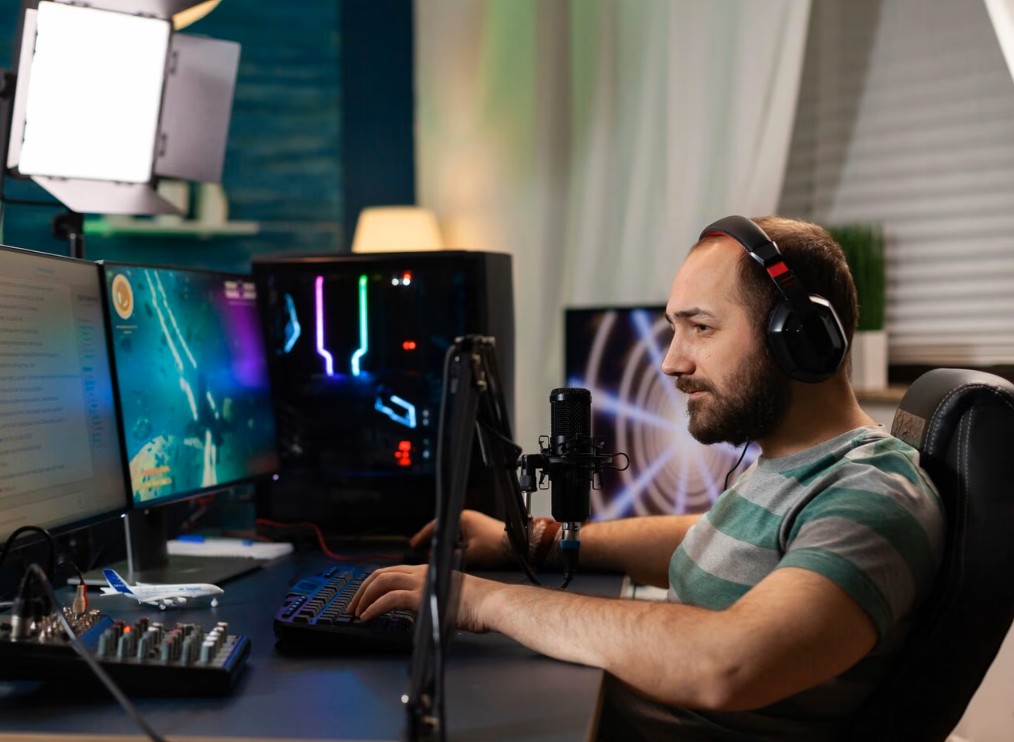
You’re not completely helpless against sudden blackouts. Whether you live somewhere with unreliable electricity or just want peace of mind during storm season, these ten tips will help you stay in the game when the lights go out.
1. Invest in a Decent UPS (Uninterruptible Power Supply)
This is your first line of defense and honestly the most important thing on this list. A UPS is basically a battery backup that kicks in instantly when power cuts out. You plug your PC or console into it, and when the power dies, you’ve got anywhere from 10 to 30 minutes to finish what you’re doing and shut down properly.
Don’t cheap out here. Calculate your system’s power draw and get a UPS that can handle at least 50% more. Your gaming rig pulls more watts than you think, especially under load.
2. Keep Your Router on Backup Power Too
Here’s something people forget – your PC staying on means nothing if your internet dies. Make sure your router and modem are also connected to your UPS. These devices don’t draw much power, so adding them won’t significantly reduce your backup time. Some gamers even put their router on a separate smaller UPS just to be safe.
3. Enable Auto-Save Features Wherever Possible
Single-player games usually have this covered, but check your settings anyway. Some games auto-save every few minutes, others make you hit checkpoints. Know which category your current game falls into. For live service games, at least you won’t lose character progress, but you’ll still take the penalty for disconnecting mid-match.
4. Monitor Your Battery Status Religiously
Most UPS units come with software that shows battery health and estimated runtime. Install it. Check it monthly. Batteries degrade over time, and a three-year-old UPS might give you five minutes instead of twenty. Replace batteries every 3-4 years, even if the unit appears to be working fine.
5. Use a Laptop as Your Gaming Machine
Laptops have built-in batteries, making them naturally resistant to power outages. Gaming laptops have gotten incredibly powerful lately. Sure, you sacrifice some performance compared to a desktop, but you gain portability and that sweet, sweet backup power.
Modern gaming laptops can run 2-3 hours on battery, though expect less during intense gaming sessions. If you have a good setup and a power cushion, you can start playing highly rewarding live table games on Vegasino Casino.
6. Switch to Mobile Hotspot When Fiber Goes Down
Power outages often kill more than just your house – they can take out neighborhood infrastructure too. Keep your phone charged and your mobile data plan ready. Most phones can create WiFi hotspots, and while the latency won’t be ideal, it beats getting banned for abandoning matches. Just warn your teammates about potential lag spikes.
7. Communicate Immediately If Power Drops
The second your UPS alarm starts beeping, tell your team what’s happening. Type fast: “Power out, 5 mins on backup.” Your teammates will appreciate the heads-up instead of assuming you bailed. Some might even suggest safe spots to AFK or strategies to play defensively until you can reconnect.
8. Lower Graphics Settings During Outages
When running on battery, your system works harder and drains faster. If you’ve got a few minutes of backup time, quickly drop your graphics to medium or low. Turn off ray tracing, reduce resolution, and cap your framerate at 60. You don’t need eye candy when you’re just trying to survive until you can properly disconnect.
9. Keep Track of Outage Patterns in Your Area
Notice power always dies on hot summer afternoons? Or during storms? Plan your gaming sessions accordingly. Don’t start a ranked grind session when bad weather’s rolling in. Save competitive play for stable conditions and stick to single-player stuff when the forecast looks sketchy.
10. Have an Emergency Shutdown Routine
Practice this before you need it. Know exactly which buttons to press to exit gracefully. Some games let you surrender or forfeit without massive penalties if done properly. Others have quit-to-menu options that save progress. Whatever your main games are, learn the fastest safe exit path. When you’ve got 90 seconds of battery left, fumbling through menus isn’t an option.
Final Thoughts
You cannot ensure that tere are no power outages when you are playing live online games. Thereis always a thin chance that a power cut will hit you. However, you can rely on a concrete setup of the UPS system. It will help you steer past power outage problems 90% of the items. Check the tips shared also.
You might have to bear the high upfront cost of installing a backup power option. However, it will offer a generous cushion when you play live games. You won’t have to suuffer from replacement bans imposed on you if you randomly go offline while playing a live game. Often multiplayer teammates are also pissed off due to such outages. So, make a conscious choice and dive into the fun of live gaming!